BC Poker App — Download for Android and iOS

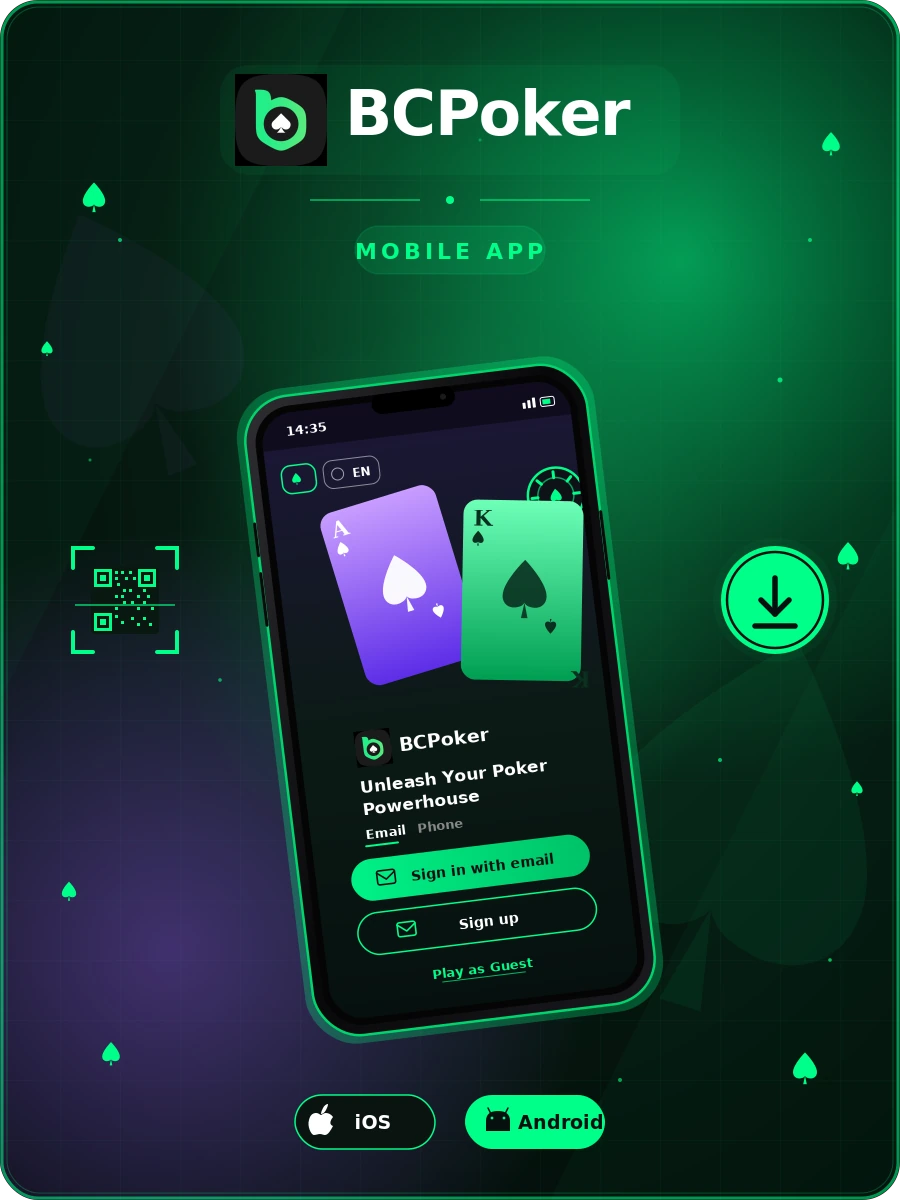
The BC Poker app puts the full poker room on a mobile device. It runs on Android phones and tablets, iPhone, and iPad, with the same layout as the desktop client. Cash games, tournaments, and Private Clubs sync across every device, so one account works whether the app is open or the site is loaded in a browser. Pick the platform that matches the device — Google Play, App Store, Android APK, or iOS Backup Version — or scan the QR code at the top of the page. Install takes under two minutes. New accounts that sign up through the app qualify for a 10% first deposit bonus up to $200 and 50% rakeback on cash games.

BC Poker App Banner

What the BC Poker App Includes

The app carries the full BC Poker product. No-Limit Hold’em cash tables run around the clock across every stake level. Scheduled tournaments, Sit & Go, Spin & Go, and All-in or Fold Sit&Go formats all open from the same lobby. Daily freerolls are available to every registered player. Private Clubs let a host set custom rules and invite a closed group — useful for home-game organizers running regular games online.

Multi-tabling is supported on both iOS and Android builds, with up to four tables open at once. Push notifications cover registration deadlines, blind level increases, and promotional updates, so late registrations and bubble periods don’t get missed.

Android

Download BC Poker for Android

Two install options work on Android: Google Play and the APK file from the official site. The Play Store is the default path — signature checks, compatibility, and updates run automatically, so there’s nothing to maintain after install. The APK covers the rest: regions where the Play listing isn’t published, and players who prefer to keep app files on hand.

Google Play

Open the Play Store, search BC Poker, and tap Install. When multiple results appear, pick the listing published by BC.Game — that’s the official build. The icon is the green BCPoker tile with a spade mark, matching the desktop site.

The Play Store version is around 200 MB after install and runs on Android 7.0 and newer. Phones with 2 GB of RAM or more handle multi-tabling without performance drops.

Play Services pushes updates in the background, so security patches, new tournament formats, and late-registration fixes arrive without a manual reinstall. Existing players sign in with the same email or phone number used on the desktop site — balance, tournament registrations, and hand history carry over. No second account is needed.

On first launch, the app asks for push notification permission. Allowing it covers tournament registration reminders, late-registration windows, and blind level increases. Skipping it means relying on in-app alerts only while the app is open.

If BC Poker doesn’t surface in search results, the Play listing isn’t available in that region. The APK method below works in every region where the platform operates.
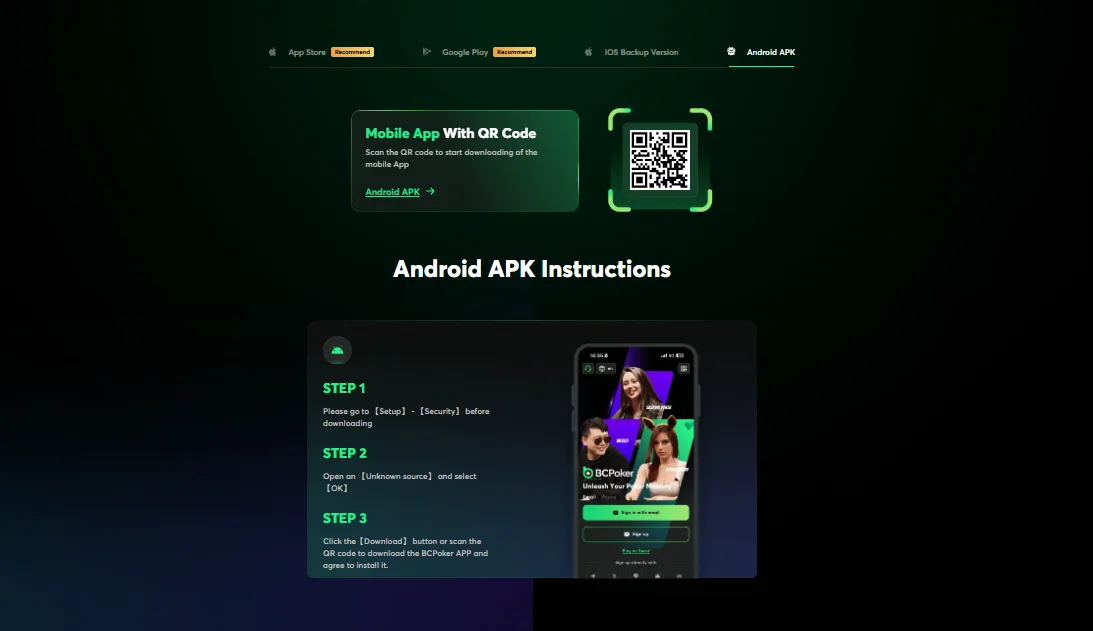
Step-by-step

BC Poker APK

If Google Play is unavailable in a given region, the APK file on the official BC Poker site works as a direct install:

Settings

Open Settings → Security (on newer Android builds: Apps → Special access → Install unknown apps).

Allow

Allow the browser to install apps from unknown sources.

QR code

Return to the BC Poker download page and tap Android APK, or scan the QR code on the page.

Install

When the file finishes downloading, open it and confirm Install.

Ready to play BC Poker on mobile?

Install the app on Android or iPhone, sign in, and take a seat at a cash table, tournament, or daily freeroll. New accounts get a 10% first deposit bonus up to $200 and 50% rakeback on cash games.

♠ Create Account at BCPoker
BC Poker guide for install

App Store

On iPhone or iPad, open the App Store, search BC Poker, and tap Get. Face ID, Touch ID, or the Apple ID password confirms the install. No extra configuration is needed.

iOS Backup Version

Players in regions where the App Store listing is restricted can use the iOS Backup Version. This is a web build that installs as a home-screen shortcut. Once added, it launches in full-screen mode and behaves like a native app. Login, gameplay, and the cashier all function the same way.

iOS

Download BC Poker for
iOS

iPhone and iPad have two ways to get the BC Poker app. Most players install from the App Store in under a minute — no extra setup needed. The iOS Backup Version is a browser-installed alternative for regions where the store listing is restricted, and it behaves like a native app once added to the home screen.

Download for iOS

App vs. Mobile Browser

A standalone app loads faster than opening a browser and reaching the site manually. It keeps poker on its own process, which reduces accidental tab closures during long sessions. Push notifications continue to work while the app sits in the background, so tournament registration and late-registration windows stay on screen.

The app also uses less memory than a browser running several tabs. During late-stage tournament play or a four-table cash session, that shows up directly in response times.

Cross-Device Account Sync

A BC Poker account behaves the same way across every access point. Deposits made on mobile appear immediately on desktop. Tournament registrations stay active regardless of where registration happened. Hand history, session data, and player notes are stored server-side, so switching from phone to laptop mid-session doesn’t reset anything.

System Requirements

Platform Minimum
Android Android 7.0 or later, 2 GB RAM, ~200 MB free storage
iOS iOS 13 or later; iPhone 6s / iPad Air 2 and newer
Internet 4G, 5G, or Wi-Fi; 2 Mbps minimum for video tables

Sign In and Account Setup

First-time users can register inside the app. The form asks for an email address or phone number, a password, and a currency preference. Social login is also available through Telegram, Google, X, Line, and Discord — accounts created this way can add an email later from account settings.

Existing players use their desktop login details on the app. Two-factor authentication, if enabled on the account, applies automatically on mobile.

Instant Deposit Match 10%, up to $200

The match hits the cash balance the moment the deposit clears — ready to play, no wagering on the base amount.

Ongoing Rakeback 50% weekly

Half the rake paid at NLHE and PLO cash tables cycles back to the account on a weekly payout schedule.

NEW PLAYER OFFER

Start with
$200 bonus

New BCPoker accounts get three rewards from day one — a 10% match on the first deposit up to $200, 50% rakeback on cash hands, and up to $825 a month in VIP payouts. The deposit bonus lands on the cash balance with no rollover on the base amount.

Claim Bonus
FAQ

BC Poker FAQ

Answers to the most common questions about BC Poker Application.

Yes. The app costs nothing to install on Android or iOS. Real-money play requires a deposit, but freeroll tournaments and play-money tables are open without one.

Yes, provided the file is downloaded from the official bcpoker.com domain. Third-party APK mirrors are not recommended — they can carry modified code.

es. One account covers every platform. Balance, tournament registrations, and hand history sync in real time.

The minimum requirements are Android 7.0 and iOS 13. Phones below that can still use the browser version at bcpoker.com.

Play Store and App Store builds update on their own. APK users see an in-app prompt when a new version is available.

The Android build is around 200 MB after install. The iOS build is slightly larger, about 250 MB.